21:48TIME TO TUNE OUT
 vsualize •••
YOUR DESKTOP, REIMAGINED
Make yourself at home.
Borderless. Resizable. Unobtrusive. Float above your work or blend into the background. Your space, your rules.

Give your music a whole new dimension.
An audio-reactive canvas that makes your desktop feel alive.
From quiet ripples to neon rabbit holes.
Twelve distinct worlds, shaped by your sound.
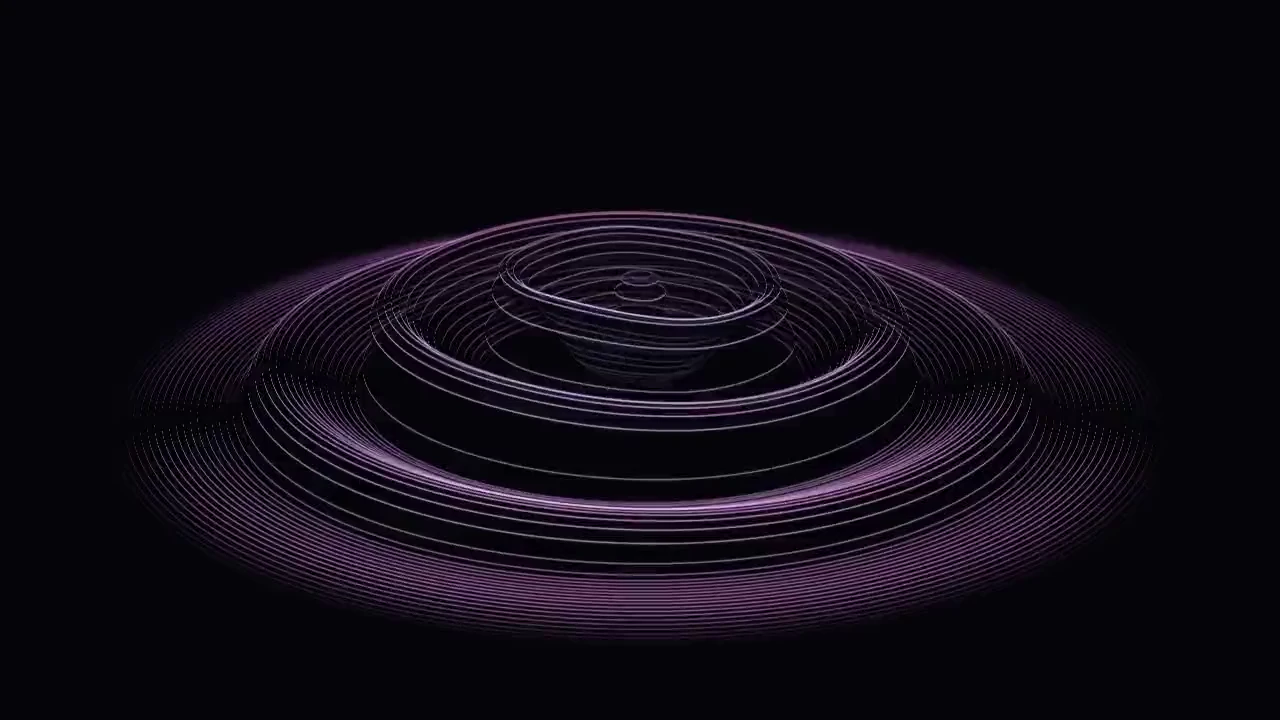
Every beat becomes a ripple. Watch bass, mids, and highs carve a luminous landscape.
Actual Vsualize effects, recorded with the app’s demo signal. Your music makes them your own.
A little visual escape. Right where you are.
Set it up, press play, and settle into your flow.
vsualize •••Borderless. Resizable. Unobtrusive. Float above your work or blend into the background. Your space, your rules.
Dial in the speed, intensity, glow, and colors. Each effect remembers its own settings. Find your sweet spot.
Your favorite player. Your browser. Your mic. If you can hear it, Vsualize can feel it.
Audio is processed on your device. No upload, no account, no extra steps.
Adaptive quality and frame-rate controls let you choose the detail that fits your setup.
Keep a little movement beside your work.
Or give the music your undivided attention.
 vsualize
Drag and resize a borderless window. Keep it on top, tuck it behind your work, or use a transparent background to let the visual blend in.
Go fullscreen with F11 and fill your display with sound. Hide the controls, lean back, and let the music become the entire view.
Start with a feeling. Fine-tune everything else.
Every effect keeps the settings you give it.
Intensity shapes the response. Line thickness defines the detail. Speed sets the pace, and glow adds that last bit of atmosphere.
Choose your desktop audio, a microphone, or both. Adjust each input’s gain, tune sensitivity, and use the noise gate to keep quiet moments quiet.
Choose where the controls appear and how quickly they hide. Set your window layer, background, opacity, and display quality to fit the way you listen.
A simplified style demo. Explore the full controls in the app.
A visualizer should add to your desktop, not take it over.
Vsualize adapts its rendering so you can find the right balance.
Native detail in small windows. A capped, adaptive resolution in larger ones. Auto responds to rendering load so your display gets the attention it needs.
60 fps is the default target; actual performance depends on your hardware and selected effect.Cached shaders, prewarming, and reused render buffers reduce repeated setup work as you explore the collection.
Rendering pauses when the window is hidden or minimized. There’s no reason to draw a frame you can’t see.
Use Light or Balanced, lower the frame-rate limit, or select Native for full-resolution rendering—including 4K on a 4K display.
Still curious?
Vsualize captures audio from your selected Windows playback device. Play music in your usual app, browser, or media player and the visuals respond. You can also choose microphone input or combine both.
Yes. Move and resize the borderless window, choose a transparent or solid background, and set the window to stay above or below others. Tune the intensity, line thickness, speed, glow, and palette for each effect.
A Windows x64 PC with WebView2 and a graphics driver that supports WebGL 2. The installer can install WebView2 if needed. Auto quality and a 30 fps option help balance visual detail and GPU workload.
No. Audio capture and analysis happen locally on your device. The desktop app checks GitHub for updates; the website uses Resend only when you send a message or sign up for updates.
The app checks for updates and lets you choose when to install and restart. You can also use the download button here to get the latest published Windows installer from GitHub.
For Windows x64. Made for whatever’s playing.
What’s new? Read the release notes ↗A first look at what’s next. New effects to get lost in. Fresh releases worth downloading. A little more Vsualize, delivered.